What is Focused inbox in Outlook
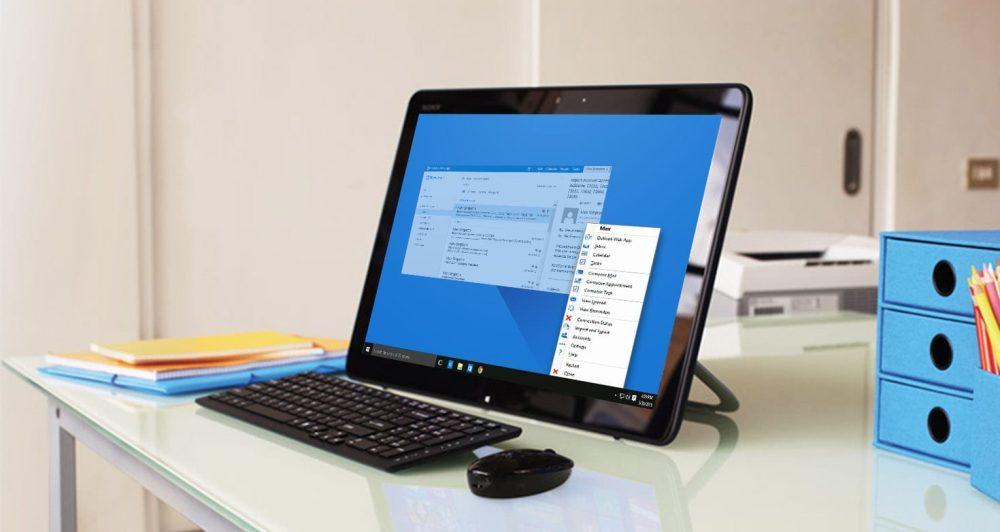
What is Focused Inbox? Focused Inbox intelligently presorts your email so you can focus on what matters. It places your most important emails in “Focused” and the rest in “Other.
What is Focused Inbox?
Focused Inbox intelligently presorts your email so you can focus on what matters. It places your most important emails in “Focused” and the rest in “Other.” Focused Inbox works across all your email accounts, personal and professional.
To create an inbox that “feels right” to you, the system takes into account emails and contacts with whom you interact, and filters out noisy sources like automatically generated or bulk email. The more you use it, the better it gets. You can easily reclassify emails between Focused and Other. Just open an email, then select “Move to Focused/Non-Focused” from the overflow menu.
Your notifications are synced to Focused Inbox, on iOS your badge count is synced to Focused Inbox as well.