
The screenshots the below show how our “About us” page looks in the Elementor WordPress editor. Download as a PDF…
In this article
The screenshots the below show how our “About us” page looks in the Elementor WordPress editor.
- The first screenshot shows the “live” about us page, accessible to visitors.
- The second screenshot shows how the page is initially displayed, in “preview” mode, in the Elementor editor.
- The final screenshot shows how the page is sectioned, with the blue borders indicating different types of content that can be clicked on to allow editing.
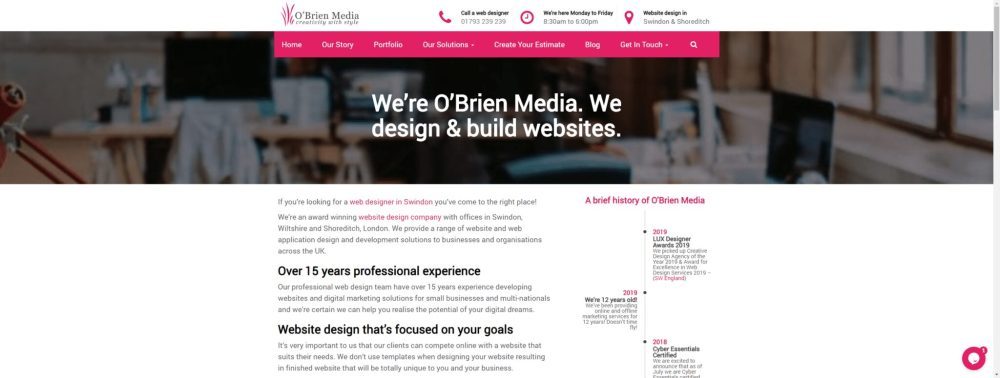
"Live" view of the page, visible to visitors
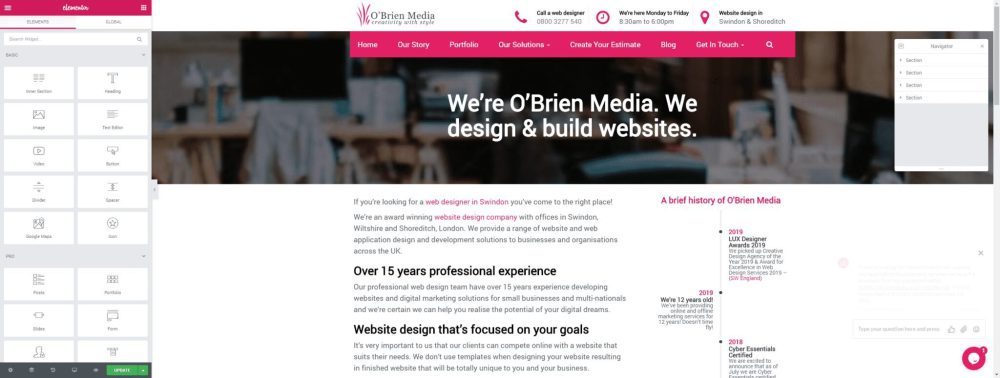
Editor preview view, without block borders
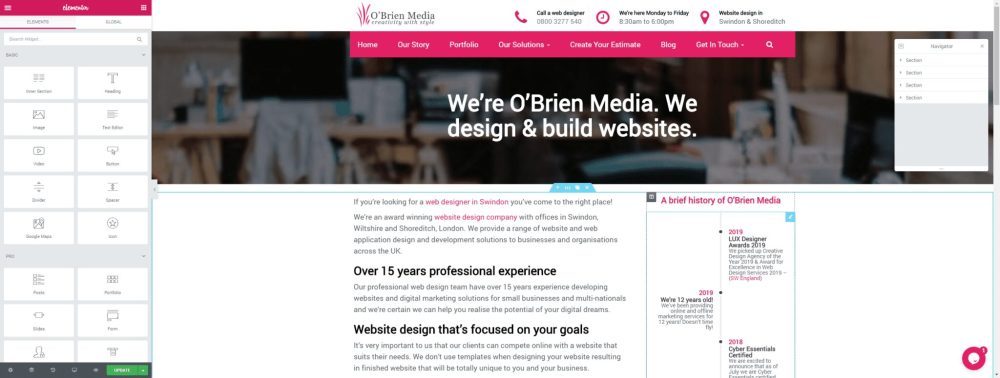
Editor preview view, with block borders
Was this article helpful?
If it didn’t answer your question, contact our support team or call 01793 239 239 and we’ll be happy to help in any way we can.