Some great new Outlook 2016 features just landed for Office 365 subscribers

What is Focused inbox in Outlook on Windows, Mac, Android and iOS?

What is Focused Inbox? Focused Inbox intelligently presorts your email so you can focus on what matters. It places your most important emails in "Focused" and the rest in "Other." Focused Inbox works across all your email accounts, personal and professional. To create an inbox that "feels right" to you, the system takes into account emails and contacts with whom you interact, and filters out...
Read More

Microsoft are rolling-out the Microsoft 365 Admin Centre

Microsoft  are introducing the all new Microsoft 365 Admin Centre. This is available to Targeted Release users now and will be available to all Office 365 users by the end of July. To use the new Microsoft 365 admin center now, just follow the steps below to enable the new Microsoft 365 Admin Centre for your organization. Admins previously using the Office 365 admin center to manage Office 365...
Read More
Some great new Outlook 2016 features just landed for Office 365 subscribers

Some great new Outlook 2016 features just landed for Office 365 subscribers

If you're a Microsoft Office 365 subscriber you'll regularly get new and improved Office 2016 features. Take a look below to see the great new features available to you today. A smarter To: line When you click the To: line to address a message, we suggest recipients you’re likely to choose. Plus, you can see their picture so you know you’re sending to the right person. Cloud attachments just...
Read More

Microsoft launch To-Do – now available in Office 365

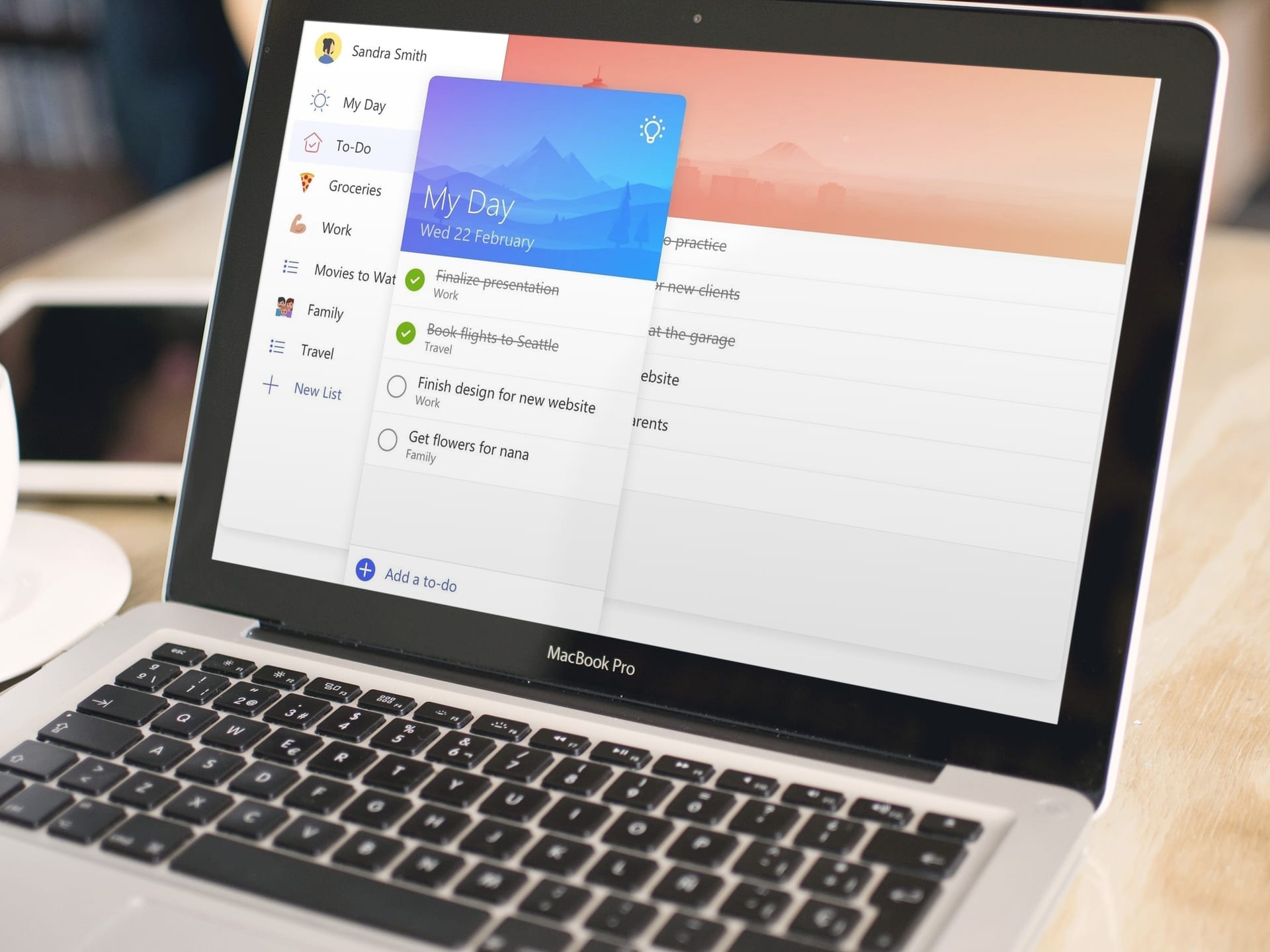
Microsoft have announced the launch of Microsoft To-Do a new, intelligent task management app that makes it easy to plan and manage your day. Now available in preview, To-Do comes from the team behind the Wunderlist app, and delivers a smarter, more personal and intuitive way to help people stay organised and get the most out of every day. Powered by Office 365 integration and an intelligent...
Read More

Use @mentions to get someone’s attention in Outlook 2016

If you'd like to get someone's attention in an email message or a meeting invite, you can type the @ symbol, followed by their name in the body of the email message or a meeting invite. If you do, not only will their name be highlighted in the message body or invite details, but Outlook will automatically add them to the To line of the email or meeting invite, and they'll see the @ symbol next to...
Read More

Microsoft’s mobile push notifications

Mobile Push Notifications for OneDrive for Business and SharePoint are now features of Microsoft's Office 365 solution. The new functionality is being rolled our to all customers and Microsoft expect to have this rollout completed by December 31, 2016. This new feature will allow Office 365 users to receive mobile push notifications when other people share files and folders with them from...
Read More