How to Add Facebook Messenger to Your Website (And Why It Still Matters in 2026)
In a world of live chat widgets, AI assistants and WhatsApp integrations, it’s easy to overlook Facebook Messenger as a website communication tool. However, it remains one of the most widely used messaging platforms in the UK. If your customers are already active on Facebook, Messenger gives them a familiar way to contact you can remove friction and increase enquiries.
Here’s how Messenger works on your website, why it’s useful, and what to consider before enabling it.
Why Add Facebook Messenger to Your Website?
Facebook Messenger connects directly to your Facebook Business Page. When installed on your website, it allows visitors to start a live chat instantly and continue that conversation later within Messenger itself. Unlike traditional live chat systems that close when the browser session ends, Messenger conversations persist.
- Visitors can start a conversation from any page on your website.
- Messages continue even after they leave your site.
- Replies are delivered via the Messenger app.
- Customers use an account they already trust.
This persistence can reduce lost leads and give you more opportunities to follow up.
What You Need Before Getting Started
Before adding Messenger to your website, you’ll need:
- A Facebook Business Page (not a personal profile).
- Administrator access to that page.
- Access to your website’s code or plugin settings.
If your website runs on WordPress, Messenger can be installed either via a plugin or by adding the required script manually. For custom-built websites, the code snippet can be added directly to your theme files. We can help with any approach, just get in touch today.
How the Integration Works
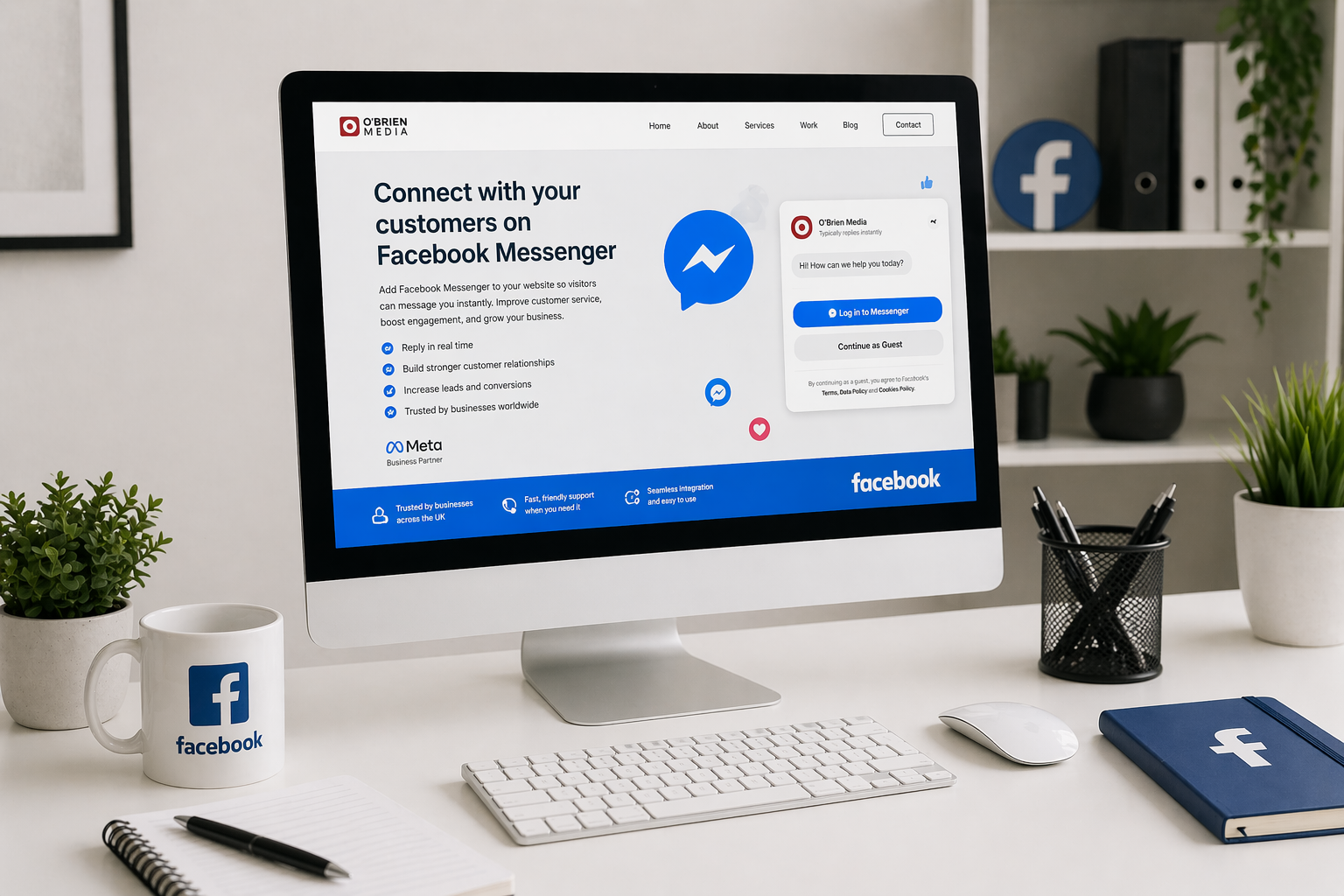
When enabled, Messenger appears as a floating chat bubble on your website. Visitors click the icon, sign in if required, and begin chatting with your business.
The setup process involves:
- Linking your website domain to your Facebook Business Page.
- Adding a small JavaScript snippet to your site.
- Configuring the display settings and branding.
You can customise elements such as the greeting message, welcome text, brand colour and display behaviour so the chat widget feels consistent with your website design.
If your customers are already active on Facebook, Messenger gives them a familiar way to contact you can remove friction and increase enquiries. Share on XKey Benefits for Business Owners
1. Conversations Continue After Visitors Leave
One of the biggest advantages is that chats don’t disappear when someone closes their browser. If you reply later, your message lands directly in their Messenger app, increasing the likelihood of ongoing engagement.
2. Faster, More Natural Communication
Many customers prefer sending a quick message rather than making a phone call or completing a contact form. Messaging feels informal, convenient and low commitment.
3. Built for Mobile Users
Messenger is inherently mobile-friendly. With a large percentage of website traffic coming from smartphones, this is a significant advantage.
4. Familiar Platform Builds Trust
People already use Messenger daily. Providing a communication channel they recognise can increase confidence and encourage enquiries.
Things to Consider Before Installing
While Messenger offers many benefits, it’s important to think about how you’ll manage it:
- Can you respond quickly during working hours?
- Who monitors messages outside office hours?
- Are expectations clearly set for response times?
If instant replies aren’t always possible, automated responses can explain when customers can expect to hear back.
Messenger vs Traditional Live Chat
| Facebook Messenger | Traditional Live Chat |
|---|---|
| Conversations persist across sessions | Chats end when the session closes |
| Linked to Facebook accounts | Often anonymous |
| App notifications | Browser-based notifications |
| Integrated with social media presence | Standalone website tool |
For businesses already active on Facebook, Messenger often feels like a natural extension of their online presence.
Is Messenger Still Relevant in 2026?
Despite the rise of AI chatbots and multi-channel platforms, Messenger remains widely used. For many customers, especially local audiences, it’s one of the easiest ways to contact a business.
If you’re targeting customers locally or across the UK, offering communication through familiar platforms such as Messenger can improve engagement and reduce barriers to enquiry.
Should You Add It to Your Website?
Messenger works particularly well for:
- Service-based businesses
- Retailers and hospitality providers
- Event organisers
- Local trades and professional services
It may be less suitable for businesses in highly regulated industries or those unable to monitor messages consistently.
If you’re targeting customers locally or across the UK, offering communication through familiar platforms such as Messenger can improve engagement Share on XFinal Thoughts
Adding Facebook Messenger to your website is about more than installing a chat bubble. It’s about creating a smoother communication journey between your social media presence and your website.
When implemented properly, Messenger can increase enquiries, improve response times and strengthen trust with potential customers. If you’re considering integrating Messenger or exploring alternative live chat solutions, choosing the right setup from the start can make a meaningful difference to your results. Get in touch for a helping hand getting Messenger set up on your website.