
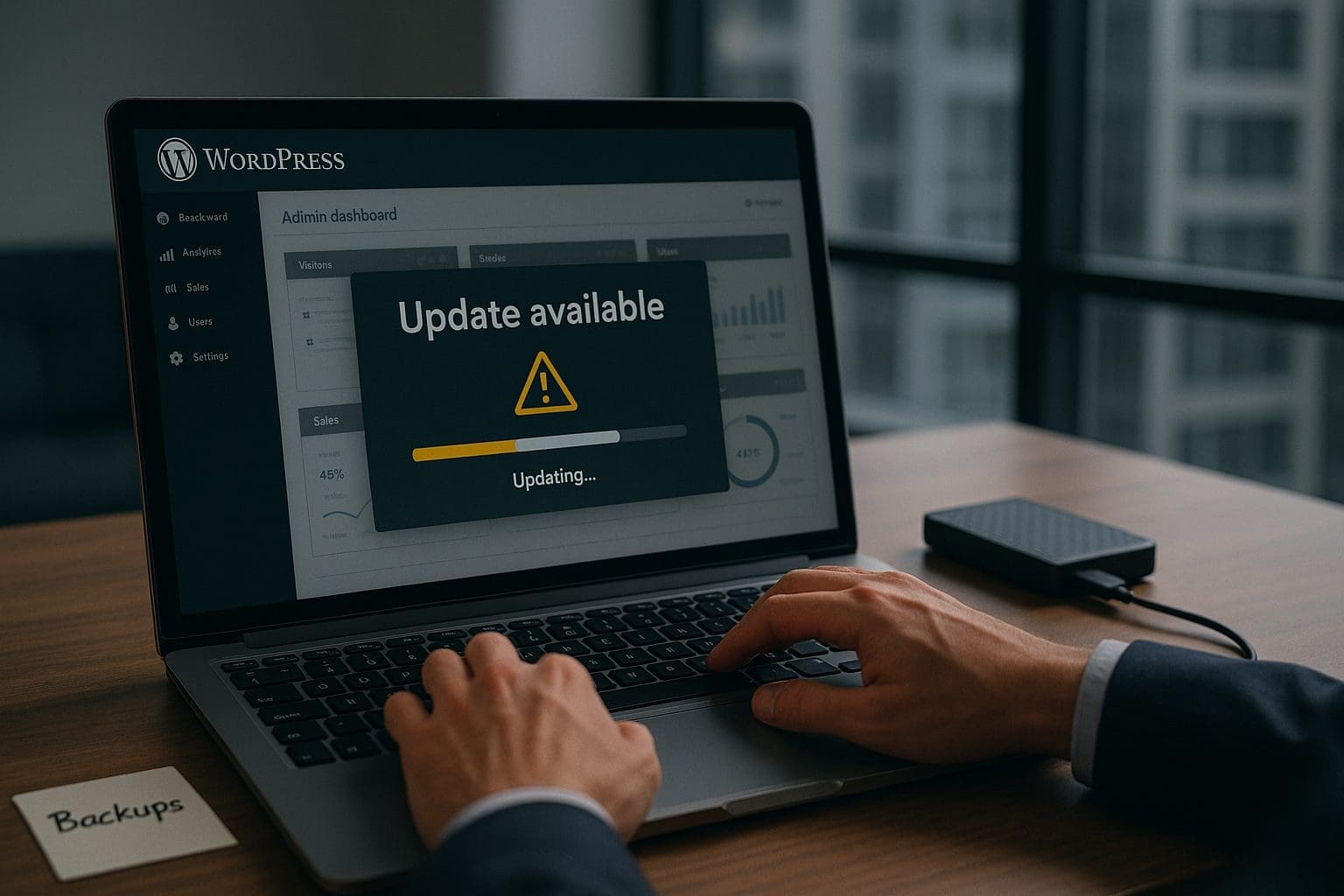
Upgrade to WordPress 6.9 “Gene” safely with professional support
Why you shouldn’t go it alone when you upgrade to WordPress 6.9 “Gene”
WordPress 6.9, code-named “Gene”, is now available and it’s a big step forward for WordPress site owners. This release focuses on better collaboration, faster performance, improved accessibility, and new building blocks for future automation and AI-powered tools. You can read the full announcement on the WordPress website here: WordPress 6.9 “Gene”.
If your website runs on WordPress, upgrading to version 6.9 should definitely be on your to-do list – but, just like upgrading your computer from Windows 10 to Windows 11, it’s something you’ll want to plan and check carefully first.
What’s new in WordPress 6.9?
- Notes for block-level collaboration – Leave comments directly on individual blocks while editing posts and pages. This makes it much easier for teams to review content and designs without endless email threads.
- Command Palette across the dashboard – Power users can jump to different parts of the dashboard, run actions, and navigate the admin area in just a few keystrokes.
- “Fit text to container” typography – A new option in Heading and Paragraph blocks that automatically adjusts font size so your text neatly fills its container, perfect for banners and hero sections.
- The Abilities API – A new, standardised way for developers and tools (including AI agents) to understand and trigger actions on your site, laying the groundwork for more automated workflows.
- Accessibility improvements – Dozens of tweaks and fixes to improve the experience for keyboard and assistive-technology users.
- Performance enhancements – Optimisations that improve page load times and Core Web Vitals, including better handling of styles, scripts, caching, and database queries.
All of this means a smoother, faster, and more modern experience for you and your visitors.
WordPress 6.9, code-named “Gene”, is now available and it’s a big step forward for WordPress site owners. Share on XWhy upgrading to WordPress 6.9 matters
Staying current with WordPress core isn’t just about getting nice new features – it’s an important part of looking after your site properly.
- Security – New versions are built on the latest security hardening and supported going forwards.
- Speed – Performance work in the core helps your site feel snappier for users and can help with search rankings.
- Compatibility – Themes and plugins are usually updated with the latest WordPress version in mind.
- Future-proofing – Features like the Abilities API pave the way for new tools and integrations.
Core upgrades are like upgrading Windows 10 to Windows 11
It’s important to remember that a WordPress core upgrade is not the same as a minor plugin update. It’s much closer to upgrading your operating system from Windows 10 to Windows 11:
- Most things should still work afterwards.
- But older, less-maintained software may not cope well with the changes.
- Anything custom or heavily modified carries extra risk.
On a live website, that can translate into:
- “White screen of death” or critical error messages.
- Broken page layouts or missing content.
- Non-functional contact forms, checkouts, or booking systems.
- Downtime that impacts your customers and SEO.
How WordPress 6.9 can affect older plugins and themes
WordPress 6.9 introduces under-the-hood changes to how the editor, performance, and permissions systems work. While these improvements are positive, they can potentially break older plugins and themes, particularly if:
- They haven’t been updated for a long time.
- They rely on deprecated editor APIs or legacy behaviour.
- They make assumptions about how styles, scripts, or permissions are handled.
- They include custom blocks or integrations that weren’t built with newer versions in mind.
In practical terms, you might see missing blocks, styling glitches, JavaScript errors, or completely broken functionality after upgrading – especially on sites with bespoke code or a large number of plugins.
If your site is running an older version of WordPress, now is a great time to plan a safe upgrade to 6.9. Share on XWhy you shouldn’t go it alone
Because of the potential impact on plugins, themes, and custom code, upgrading to WordPress 6.9 is something best handled by someone who works with WordPress every day.
At O’Brien Media, we provide website support for WordPress sites of all shapes and sizes. When we handle a core upgrade like 6.9, we:
- Audit your plugins, theme, and hosting environment for obvious compatibility issues.
- Take full, restorable backups before any changes are made.
- Test the upgrade on a staging copy of your site wherever possible.
- Schedule the live upgrade at a quieter time for your business.
- Fix any theme or plugin conflicts that appear.
- Run post-upgrade checks on key features like contact forms, e-commerce, and analytics.
This approach keeps your site safer and reduces stress compared to trying to troubleshoot issues on a live site by yourself.
Ready to move to WordPress 6.9 safely?
If your site is running an older version of WordPress, now is a great time to plan a safe upgrade to 6.9. We can review your current setup, highlight any risks with older plugins and themes, and handle the whole process for you.
To get started, contact the team at O’Brien Media:
- Email: [email protected]
- Phone: 01793 239239
- Website: www.obrienmedia.co.uk
Tell us you’d like help upgrading to WordPress 6.9 “Gene”, and we’ll make sure your site is ready before any changes go live.