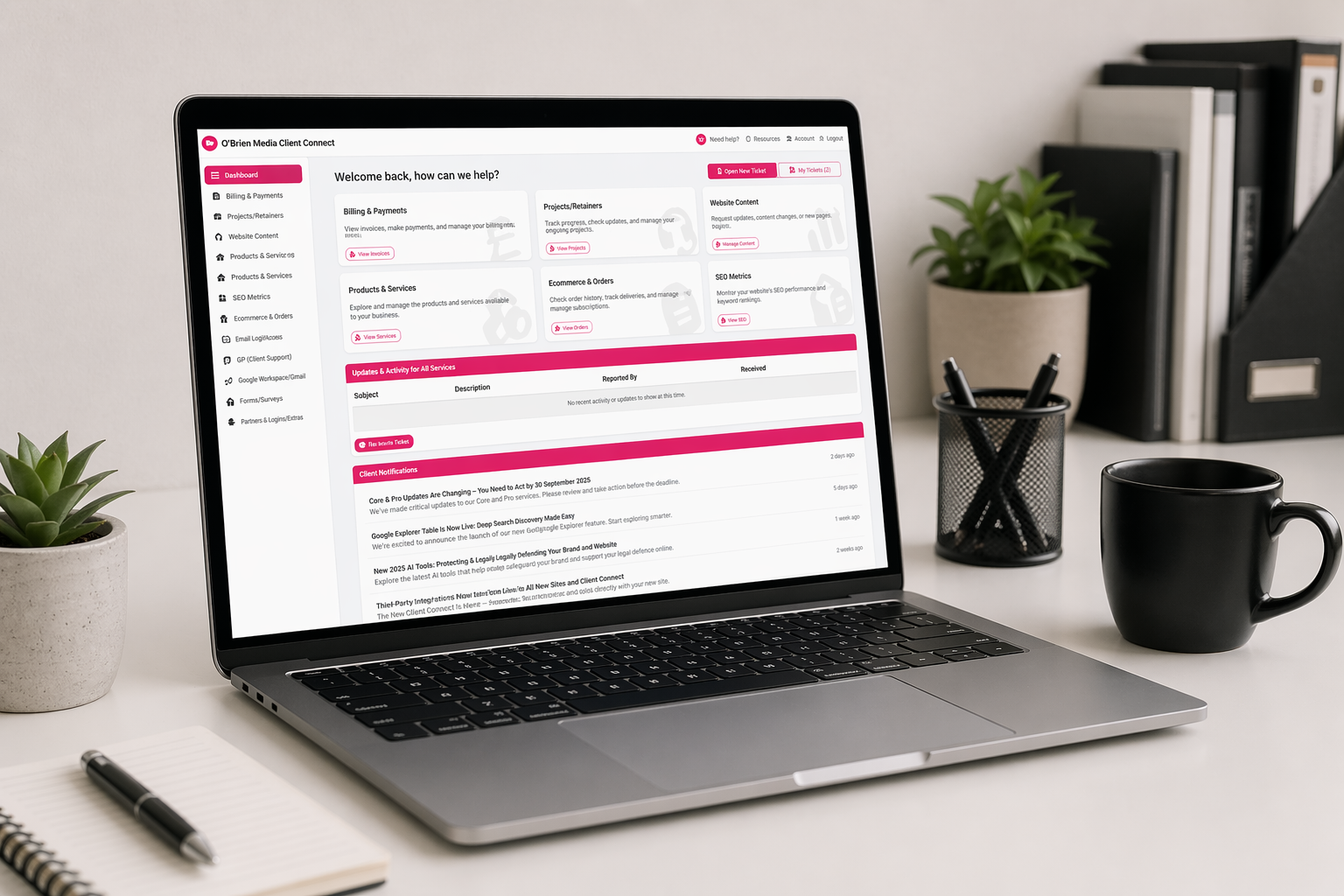
What’s new in Client Connect – March 2026
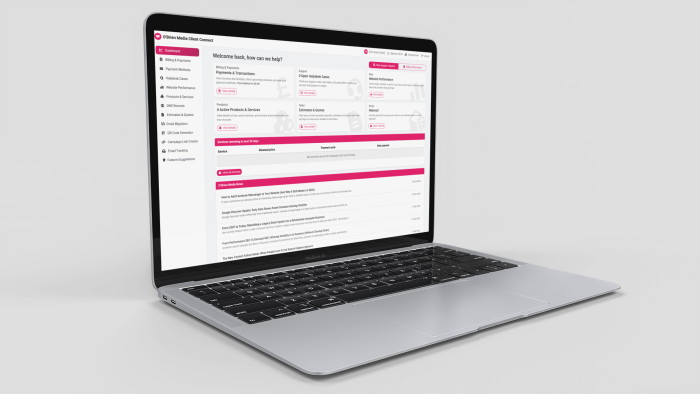
We’ve been busy improving Client Connect — your O’Brien Media account portal.Now that we’ve started to add more features to Client Connect we decided that it’s time to start putting out regular updates covering new and changed features and how they can help you and your business.
The latest update to Client Connect brings new tools for tracking your email campaigns, smarter date and time formatting, and a cleaner overall experience across several pages.
Email Tracking
Client Connect now includes a built-in Email Tracking tool. You can generate a special trackable version of any link, then drop it into your email campaigns. Every time a recipient clicks through, we log it — including the time, their email address, and the email subject.
You can also add a tiny invisible open-tracking pixel to your emails. When a recipient’s email client loads it, we record the open. It’s the same technology used by Mailchimp, Brevo, and other platforms — and now it’s available directly inside Client Connect.
Campaign grouping. Give each batch of links a campaign name when you create them and Client Connect will group them together automatically, showing you a quick breakdown of total clicks and opens per campaign at a glance.
Ready-made code snippets for your email platform. When you create a trackable link, the Examples panel now includes a platform selector. Choose your email platform — Generic, Mailchimp, Brevo, or MailerLite — and Client Connect shows you exactly the right code to paste into your template, with the correct merge tags already filled in. Your choice is remembered between visits so you won’t need to re-select it every time.
Dates & Times
Dates across Client Connect — including email tracking activity timestamps, campaign created dates, and email migration job times — are now displayed in a consistent UK format: day.month.year hour:minute. No more raw database timestamps or ambiguous US-style dates.
DNS Manager
If you use the DNS Manager to manage your domain’s records, the page now opens with a clear Your Domains overview — one card per domain — rather than jumping straight into a records table. Select the domain you want to work on and the records table appears. This makes it much easier to orientate yourself when you have more than one domain configured.
Smaller improvements
Cleaner empty states. Pages that have no content to show — including Your Recent Links, inactive products, and Email Migration jobs — now display a friendly message rather than a blank space or a broken table.
Email tracking links truncated cleanly. Long destination URLs in the Email Tracking table no longer overflow their column — they truncate with an ellipsis, and hovering over the cell shows the full address.
Email Migration job times. The start and finish times for email migration jobs are now formatted in the same readable UK date/time style as the rest of the portal.
Cleaner browser address bar. Page addresses throughout the portal have been updated to use tidy, readable URLs — for example /dashboard instead of ?page=dashboard. Links in emails such as activation and password-reset links have also been updated to match.