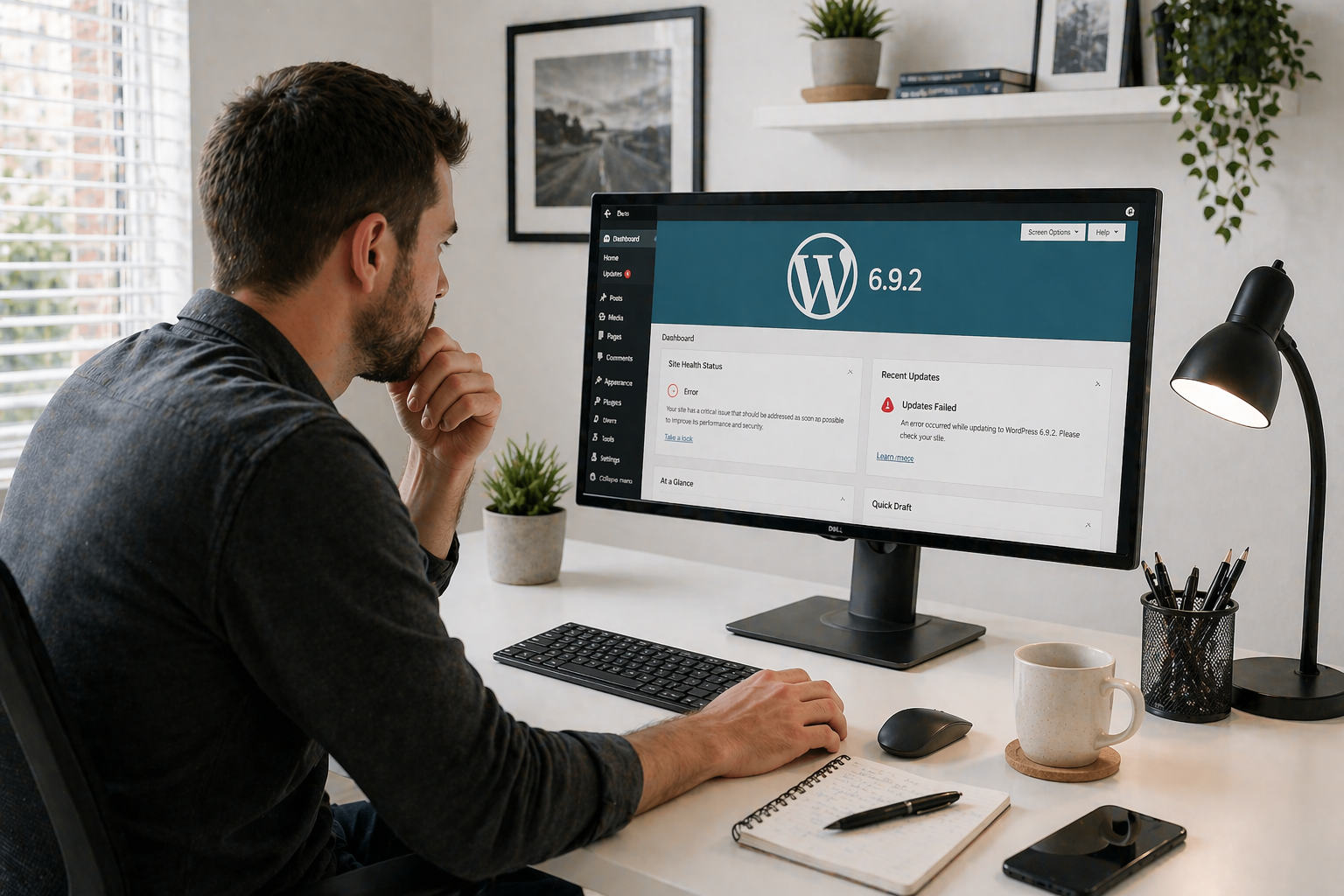
The WordPress 6.9.2 Update Incident: What This Means for Website Owners
What Happened and What Website Owners Should Know
WordPress updates are normally routine. Minor versions typically bring security fixes and maintenance improvements that are applied automatically to millions of websites without issue.
However, the rapid sequence of WordPress releases from version 6.9.2 through 6.9.4 became one of those rare moments when an update cycle caused widespread disruption across the WordPress ecosystem.
If your website suddenly showed a blank page, behaved strangely, or appeared to break during this period, you weren’t alone. Here’s what happened and what you should do now.
The Timeline: Four Versions in Two Days
The issue began with the release of WordPress 6.9.2, a security update designed to fix ten vulnerabilities in the WordPress core software. These vulnerabilities included issues such as cross-site scripting risks, authorisation checks, and server-side request forgery problems.
Security releases like this are important, and most WordPress sites install them automatically.
But shortly after the update began rolling out, reports started appearing from site owners and developers saying that their websites had suddenly stopped displaying pages.
In many cases, the WordPress admin dashboard still worked, but the front-end of the website showed a completely blank page.
Why Sites Started Breaking
The problem was traced to a change in how WordPress loaded template files. As part of the security improvements, a stricter validation check was added to the template loading system.
Unfortunately, some WordPress themes and frameworks were using an unconventional method of loading templates that passed an object instead of a plain string path.
Although this method had worked for years, it was never officially supported. When the new validation check was introduced, those themes failed the check and the template system stopped loading entirely.
The result was the dreaded “white screen of death” on affected sites.
WordPress 6.9.3: The Emergency Fix
Within hours of the reports appearing, the WordPress core team investigated and produced a rapid follow-up release: WordPress 6.9.3.
This version restored compatibility with themes that used the unusual template loading approach. The update adjusted the template loader so that these themes would continue working even though they were technically relying on unsupported behaviour.
For most site owners, installing WordPress 6.9.3 immediately restored their website.
Then Came WordPress 6.9.4
Just as things appeared to be stabilising, another issue was discovered.
The WordPress security team realised that three of the original ten security fixes from version 6.9.2 were not fully applied. Although the vulnerabilities were partially addressed, they were not completely resolved.
This required another release: WordPress 6.9.4.
The final update corrected the incomplete patches and ensured all the intended security fixes were properly implemented.
What This Means for Website Owners
If you run a WordPress website, the most important thing to know is that the current recommended version is WordPress 6.9.4.
This version includes:
- All ten security fixes introduced in WordPress 6.9.2
- The theme compatibility fix introduced in WordPress 6.9.3
- Additional corrections to ensure all security patches were properly applied
If your site is running any earlier version, it should be updated as soon as possible.
Why This Incident Matters
The WordPress ecosystem is enormous. With more than 40% of the web powered by WordPress, even a small issue in a core update can affect thousands or even millions of websites.
This particular incident highlighted a few important lessons:
- Even security updates can have unexpected side effects.
- Theme and plugin developers sometimes rely on behaviours that aren’t officially supported.
- Rapid response from the WordPress core team is essential when problems occur.
In this case, the WordPress team released multiple fixes within a very short time frame to stabilise the situation.
Keeping Your Website Safe
Events like this are a reminder that keeping websites updated is still the safest approach. Security patches are critical, and running outdated versions of WordPress leaves websites exposed to known vulnerabilities.
However, it also highlights the value of having proper website maintenance and monitoring in place so issues can be identified and resolved quickly if something unexpected happens.
Need Help With WordPress Updates?
If your website experienced issues during the WordPress 6.9.2 update cycle, or if you want help managing updates safely in the future, our team can help.
We provide WordPress maintenance, monitoring, and support services to keep websites secure, stable, and running smoothly.