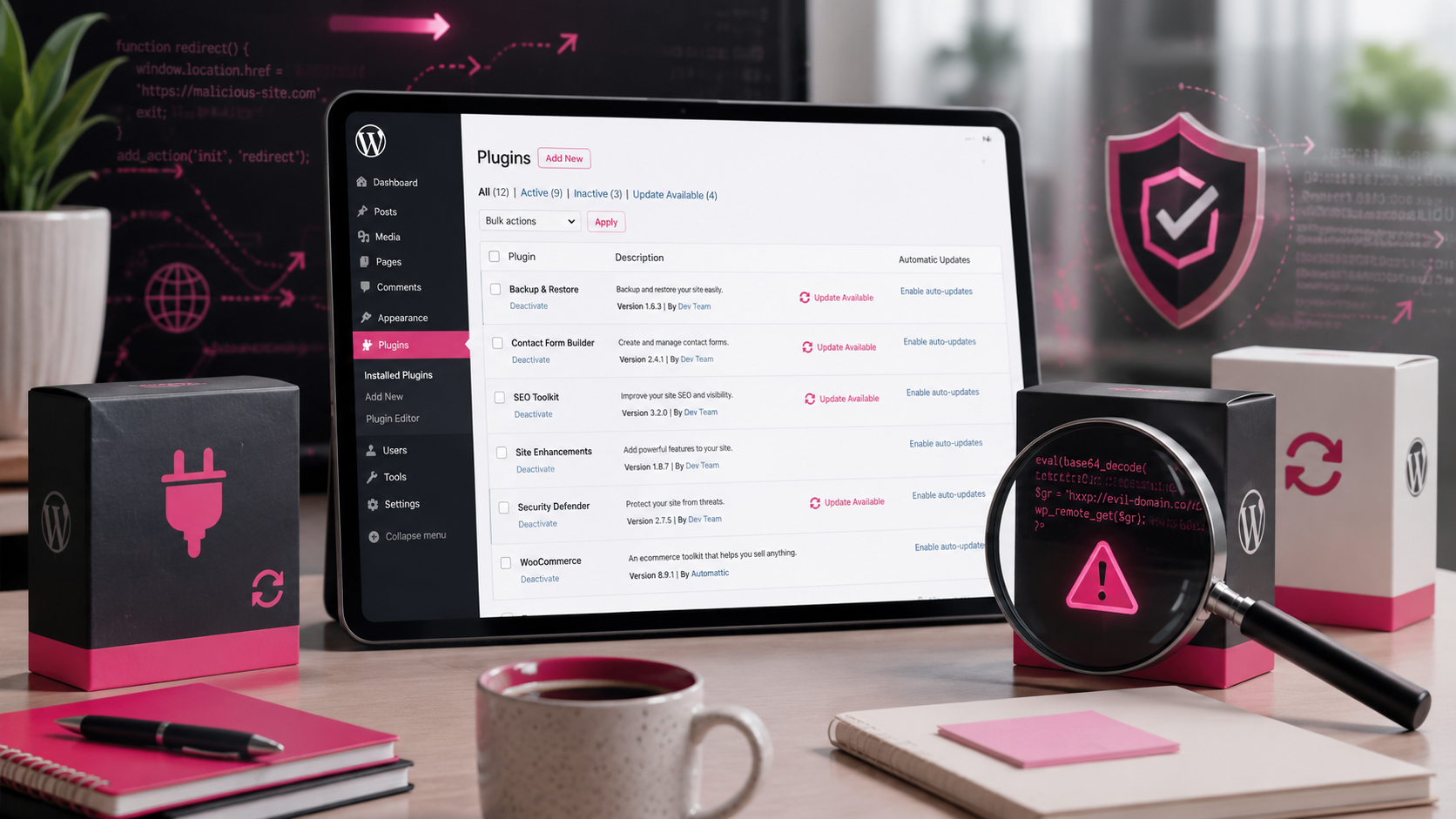
When Updating Your WordPress Plugins Can Still Put Your Website at Risk
Most WordPress website owners have had the same advice for years:
Keep WordPress updated.
Keep your plugins updated.
Keep your theme updated.
And, in most cases, that is still the right advice.
Out-of-date plugins are one of the most common ways WordPress websites become vulnerable, so ignoring updates is not the answer. But there is a growing issue that small business owners should be aware of.
Sometimes, the update itself can be the risk.
The hidden problem with trusted plugins
A supply chain attack is when something you already trust becomes the way in.
In WordPress terms, that could mean a plugin you have used safely for years is bought by a new owner, compromised, or altered so that a future update includes malicious code.
The update looks normal. It appears in the WordPress dashboard. You click the update button. The website still works.
But something unwanted may now be running quietly in the background.
Austin Ginder recently spoke about this on the WP Tavern podcast after finding hidden malware during routine WordPress cleanups. What stood out was that some of it appeared to have arrived through legitimate plugin update channels, not through pirated themes, dodgy downloads, or obviously suspicious files.
That is what makes this so awkward.
The website owner may have done exactly what they were told to do.
They kept the site updated.
Why small business websites are vulnerable
Most small business owners do not have time to inspect every plugin update in detail.
You log into WordPress, see a red update number, apply the updates, check the homepage still loads, and get on with running the business.
That is completely understandable.
The problem is that some attacks are designed to stay hidden. Your website might look fine to you and your customers, while behind the scenes it could be creating hidden spam pages, redirecting certain visitors, collecting data, or showing different content to search engines.
That does not mean WordPress is unsafe. It means WordPress websites need sensible maintenance, not blind trust.
Should you stop updating plugins?
No.
Leaving plugins out of date is still a much bigger and more common risk.
The better approach is to update with awareness. Know what is installed on your website, remove what you do not need, and pay attention to plugins that suddenly change ownership, stop being maintained, or start behaving differently.
A good backup and recovery process also matters, because if something does go wrong, you want more than crossed fingers and panic.
A simple plugin review checklist
If you run a WordPress website, it is worth asking:
Do we still use this plugin?
Do we know what it does?
Is it still maintained?
Does it come from a reputable developer?
Has it changed ownership recently?
Are two plugins doing the same job?
Could this feature be handled in a simpler way?
Every plugin on your website is something you are choosing to trust.
That does not mean you should remove everything. Many plugins are excellent and essential. But unused, forgotten or unnecessary plugins should not be left sitting there just because nobody has checked them for a while.
Website maintenance is more than pressing update
Good WordPress support is not just about clicking the update button.
It is about understanding what is installed, checking whether it is still needed, spotting obvious risks, making sure backups are working, and keeping the site healthy over time.
Sometimes the best improvement is not adding another security plugin.
Sometimes it is removing three old plugins that should not be there anymore.
When did you last review your WordPress plugins?
Most website problems do not start with a dramatic warning.
They start quietly.
An old plugin.
An unnecessary feature.
A forgotten tool.
An update nobody looked at properly.
You do not need to panic, and you definitely do not need to stop updating WordPress. But you should know what your website depends on.
If you cannot remember the last time your plugins were properly reviewed, now is a good time to check.
O’Brien Media can help review your WordPress website, tidy up unnecessary plugins, check for obvious risks, and make sure your site is being maintained sensibly.
A careful review now is much easier than a cleanup later.