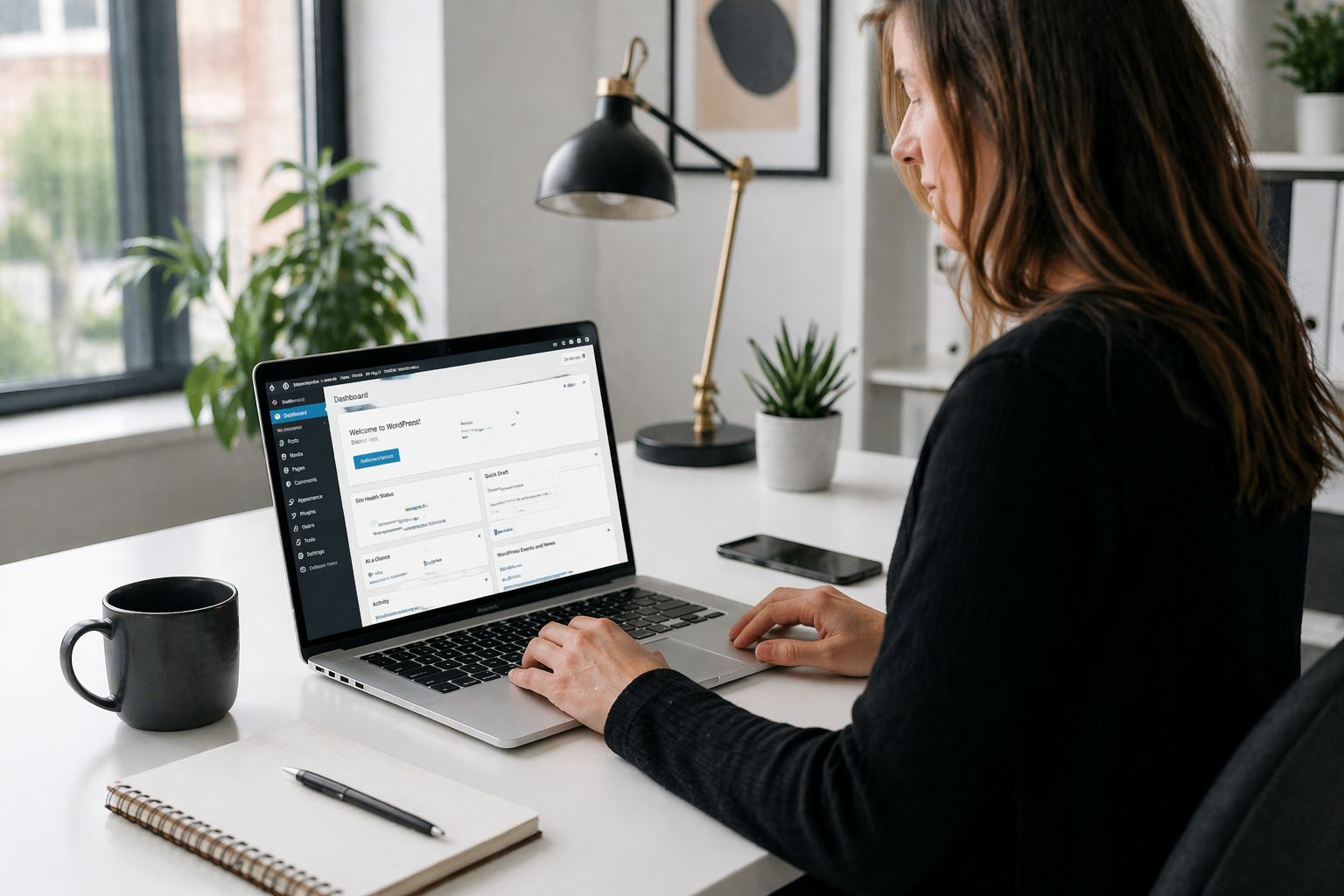
WordPress 7.0’s New Dashboard: The Biggest Admin Redesign in Over a Decade
The WordPress admin dashboard, the screen you see when you log into the back end of your website, has not had a serious visual overhaul since December 2013. That is not a typo. For over twelve years, the interface has received incremental updates and new features bolted on, but the underlying look and feel has remained fundamentally the same.
WordPress 7.0, landing on 9th April 2026, changes that. The admin interface has been redesigned from the ground up, and for small business owners who log into their website regularly, the difference is immediately noticeable. It feels like a modern application rather than something held together with legacy code and good intentions.
What has actually changed
The most visible change is the overall feel of the interface. The new design is cleaner, better spaced and far more consistent across different sections. If you have ever felt that certain parts of WordPress looked slightly mismatched, or that navigating between pages felt more laborious than it should, that is largely because different sections of the dashboard were built at different times to different standards. The 7.0 redesign addresses that inconsistency across the board.
But beyond the visual refresh, there are two specific changes that will make a material difference to how you use your site day to day.
The Command Palette: find anything in seconds
The most immediately useful addition to the new WordPress dashboard is the Command Palette. It lives in the top bar of the admin area and is accessed by pressing Ctrl+K on Windows or Cmd+K on a Mac, from anywhere inside your WordPress dashboard.
When you press it, a search bar appears. Type what you are looking for and it finds it instantly. A specific page, a blog post, a settings screen, a plugin, a media file. You no longer need to navigate through menus to get where you want to go. You just press two keys and type.
If you manage a website with a lot of content, or if you find yourself regularly clicking through the same sequence of menus to reach a particular screen, this will save you a meaningful amount of time. It is the kind of feature that sounds small until you start using it, at which point it quickly becomes something you cannot imagine working without.
Previously, the Command Palette was only available inside the block editor. In WordPress 7.0 it is available across the entire admin area, so it works from your posts list, your settings pages, your media library, everywhere.
A better way to browse your content
The second significant change in the new admin is the way your posts, pages and media are displayed. The traditional list table view, which has been a fixture of WordPress since the very beginning, is being replaced with a new component called DataViews.
DataViews brings a much more app-like browsing experience to your content. You can filter, sort and search your posts and pages in ways that were previously either impossible or required a plugin. There is an activity layout that gives you a better at-a-glance picture of what is on your site and what has been recently updated.
For small businesses with a modest amount of content, this may feel like a nice improvement rather than a revelation. But for anyone managing a site with dozens or hundreds of pages, blog posts or products, the ability to find and organise content more quickly is genuinely useful.
Why a better dashboard matters for your business
It might seem like dashboard design is a second-order concern compared to features that affect your visitors. But the admin interface is where you spend your time when you are managing your website, and a tool that is frustrating to use tends to be a tool that gets used less.
Small business websites often suffer from stale content not because the owner does not care, but because logging in and making changes feels like more effort than it should. A faster, cleaner, more intuitive dashboard removes that friction. If it is easier to update your site, you are more likely to update it, and a regularly updated website is better for your visitors, better for your search rankings, and better for your business.
The WordPress 7.0 admin redesign is not about aesthetics for the sake of it. It is about making the experience of managing your website match the standards you would expect from any other modern tool you use in your business.
Is there anything to be aware of?
For the vast majority of small business websites, the new admin interface is a straightforward improvement with nothing to worry about. The changes are visual and navigational rather than structural, so your existing content, your pages, posts, images and settings are all completely unaffected.
If your website uses certain older plugins that add custom screens or columns to the admin area, there is a small chance those plugins may need an update to display correctly in the new interface. This is something we check as part of the update process for all our hosted and supported customers, so if you are with us, we will flag anything that needs attention before the update goes live on your site.
If you are not currently on one of our care plans and would like us to manage the WordPress 7.0 update for you, we are happy to help. Give us a call on 01793 239239 or drop us an email at [email protected] and we will take it from there.