WordPress 7.0 Is Coming 9th April 2026, What It Means for Your Website [with FAQ]
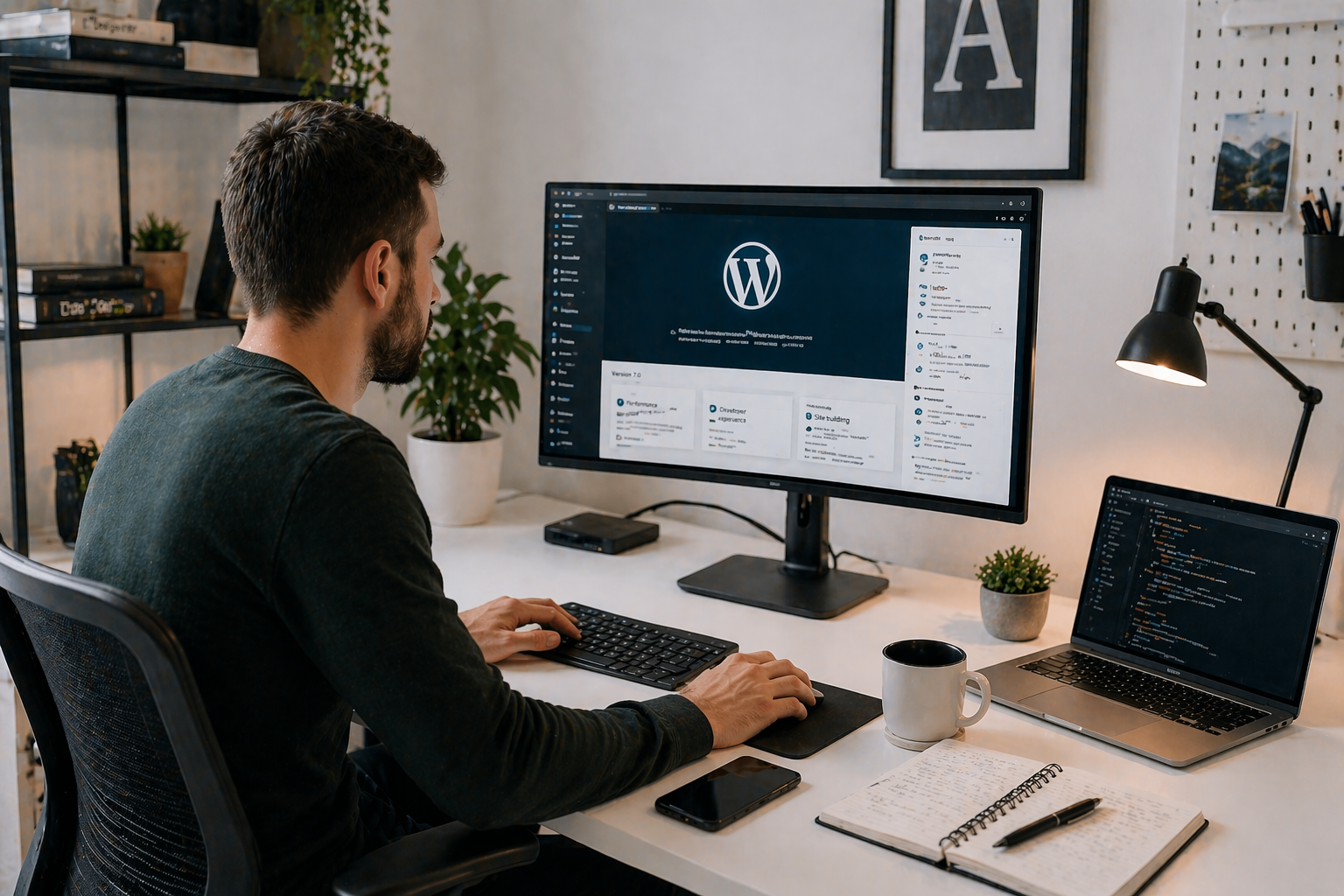
WordPress 7.0 is landing on 9th April 2026, and it’s a big one. Not the kind of update where a few things shift around and you barely notice. This is the most significant release since the block editor arrived back in 2018, and if you own a WordPress website, it’s worth knowing what’s changing and why it matters to you.
If you need help updating your website, testing your WordPress theme, or making sure your site works after the update just get in touch for assistance.
Your team can edit the same page at the same time
If you’ve ever had two people trying to update the same post and ended up with conflicting versions, that frustration is about to disappear. WordPress 7.0 introduces real-time collaborative editing, which means multiple people can work on the same page or post simultaneously and see each other’s changes as they happen.
Think of how Google Docs works. WordPress is now doing the same thing, but directly inside your website. No more copying text back and forth between tools. No more “who has the latest version?” conversations. It all lives in one place.
At launch, collaborative editing supports two people working on the same post at once, which covers the vast majority of small business scenarios perfectly well.
The editor is getting smarter feedback tools
Alongside real-time editing, WordPress 7.0 brings a much more complete commenting and notes system. You can now leave comments on specific blocks of content, tag colleagues with @mentions, and work through a proper suggestion and review process, all without leaving WordPress.
Revision history gets a visual upgrade too. You’ll be able to see what’s been added, changed or removed through colour-coded overlays, and scrub back through versions using a timeline slider. If you’ve ever needed to recover an earlier version of a page or prove what was changed and when, this makes that process far cleaner.
A completely refreshed admin area
The WordPress dashboard hasn’t had a major visual overhaul since 2013. That’s changing with 7.0. The whole admin interface has been modernised, and it feels noticeably more like a contemporary web application.
One of the most practical additions is the Command Palette in the top bar. Press Ctrl+K (or Cmd+K on a Mac) from anywhere in your dashboard and a quick search bar appears. You can jump straight to a page, a settings screen, a specific post, almost anything, without clicking through menus. For anyone who manages a site with a lot of content, this alone will save time.
The way you browse posts, pages and media has also been updated to be more filterable and sortable, making it much easier to find what you’re looking for on a busy site.
Built-in AI connections
WordPress 7.0 introduces a new AI layer that lets you connect your website to AI services like OpenAI, Google AI or Anthropic. Crucially, there’s no single provider locked in. You choose who you connect to, and you control what it’s used for.
This is still early-stage infrastructure, but it opens the door to things like generating SEO descriptions, writing alt text for images, or using AI assistance within your content workflow, all managed through a single Connectors screen in your dashboard settings.
Smarter image handling
Images uploaded to your site will now be processed in the browser before they even reach the server. That means automatic resizing and compression happen on your end first, which speeds up uploads and means better-optimised images on your site with less effort on your part. WordPress 7.0 also adds support for modern image formats including AVIF and WebP output.
Show or hide content based on device
Blocks can now be set to show or hide depending on whether someone is viewing your site on a desktop, tablet or mobile. This has been possible with some plugins for a while, but it’s now built directly into WordPress core and works reliably without any add-ons.
Do you need to update straight away?
For most small business websites, there’s no rush to update the moment WordPress 7.0 goes live. If your site is straightforward, an update after a week or two to allow any early issues to surface is perfectly sensible. If you’re on one of our care plans, we’ll handle the update process and check everything is working before and after.
One thing worth knowing: if your site is currently running on PHP 7.2 or 7.3, it won’t automatically receive the WordPress 7.0 update. This isn’t something to worry about, but it is something that will need addressing.
We’re already on it
We’ve been preparing for WordPress 7.0 across our website hosting and website support services ahead of the April release. If your site needs attention, whether that’s a PHP version upgrade, a review of how the front-end changes affect your design, or simply handling the update itself, we’ll be in touch directly. You won’t need to chase us.
If you’re a current hosting or support customer and you have concerns in the meantime, or if your site isn’t managed by us and you’d like us to take a look, we’re happy to help. Call us on 01793 239239 or drop us an email at [email protected].
The bottom line
WordPress 7.0 is a genuinely exciting release. The collaboration tools, the refreshed admin, the improved media handling and the AI infrastructure all point to a platform that’s becoming more capable and more practical for real businesses. It’s not just keeping up with the competition, it’s setting a new bar. And as always, we’ll make sure our customers are on the right side of that update.
Frequently Asked Questions
What is WordPress 7.0 and when is it being released?
WordPress 7.0 is the most significant major release since the block editor launched in 2018. It is scheduled for release on 9th April 2026 and marks the start of Phase 3 of the Gutenberg project, which focuses on collaboration and workflows. Key new features include real-time collaborative editing, a built-in AI Connectors framework, a fully refreshed admin dashboard, smarter image handling and new block controls. It is the biggest WordPress update in nearly a decade.
Will updating to WordPress 7.0 break my website?
For the majority of small business websites, a WordPress 7.0 update should be straightforward. However, there are two areas that can cause issues. First, if your website is running on PHP 7.2 or 7.3, it will not automatically receive the WordPress 7.0 update until the PHP version is upgraded to at least PHP 7.4. Second, some older plugins may need updating to remain compatible with the new admin interface and block editor changes. If your website is hosted or maintained by O’Brien Media, we will check your site ahead of the update and contact you directly if any action is needed. You do not need to do anything yourself.
What is real-time collaborative editing in WordPress 7.0?
Real-time collaborative editing is one of the headline WordPress 7.0 features. It allows two people to edit the same WordPress page or post simultaneously, with each person’s changes appearing live for the other, similar to how Google Docs works. This means website teams can write, edit and review content together directly inside WordPress, without needing to copy text between external tools. There is no longer any risk of conflicting versions or one person overwriting another’s work. At launch, WordPress 7.0 collaborative editing supports two users working on the same post at once.
Do I need to do anything to prepare my website for WordPress 7.0?
If your website is managed by O’Brien Media, you do not need to do anything. We are already reviewing all customer sites ahead of the WordPress 7.0 release on 9th April 2026. If your site requires a PHP upgrade, a plugin compatibility check, or a review of how the new admin and front-end changes affect your design, we will contact you directly before the update is applied. If your WordPress website is not currently on a care or hosting plan with us and you would like us to manage the update for you, get in touch on 01793 239239 or at [email protected].
What are the new AI features in WordPress 7.0?
WordPress 7.0 introduces a built-in AI Connectors framework that allows you to connect your WordPress website to AI services including OpenAI, Google AI and Anthropic. Unlike third-party AI plugins, this is managed directly from your WordPress dashboard under Settings, and you remain in control of which provider you connect to and how it is used. Practical uses include generating SEO meta descriptions, creating alt text for images automatically, and AI-assisted content editing. This is early-stage infrastructure, but it lays the groundwork for increasingly powerful AI-driven content workflows within WordPress.
Will the appearance of my website change after the WordPress 7.0 update?
No. The WordPress 7.0 update affects the admin dashboard that you log into to manage your website, not the front-end design that visitors see. Your website’s appearance, branding and layout will remain exactly as they are after the update. WordPress 7.0 does introduce new block features and device visibility controls, but these only affect your site if you or your web team actively choose to use them. If you have any concerns about how the WordPress 7.0 update might affect your specific site, our team in Swindon is happy to advise.