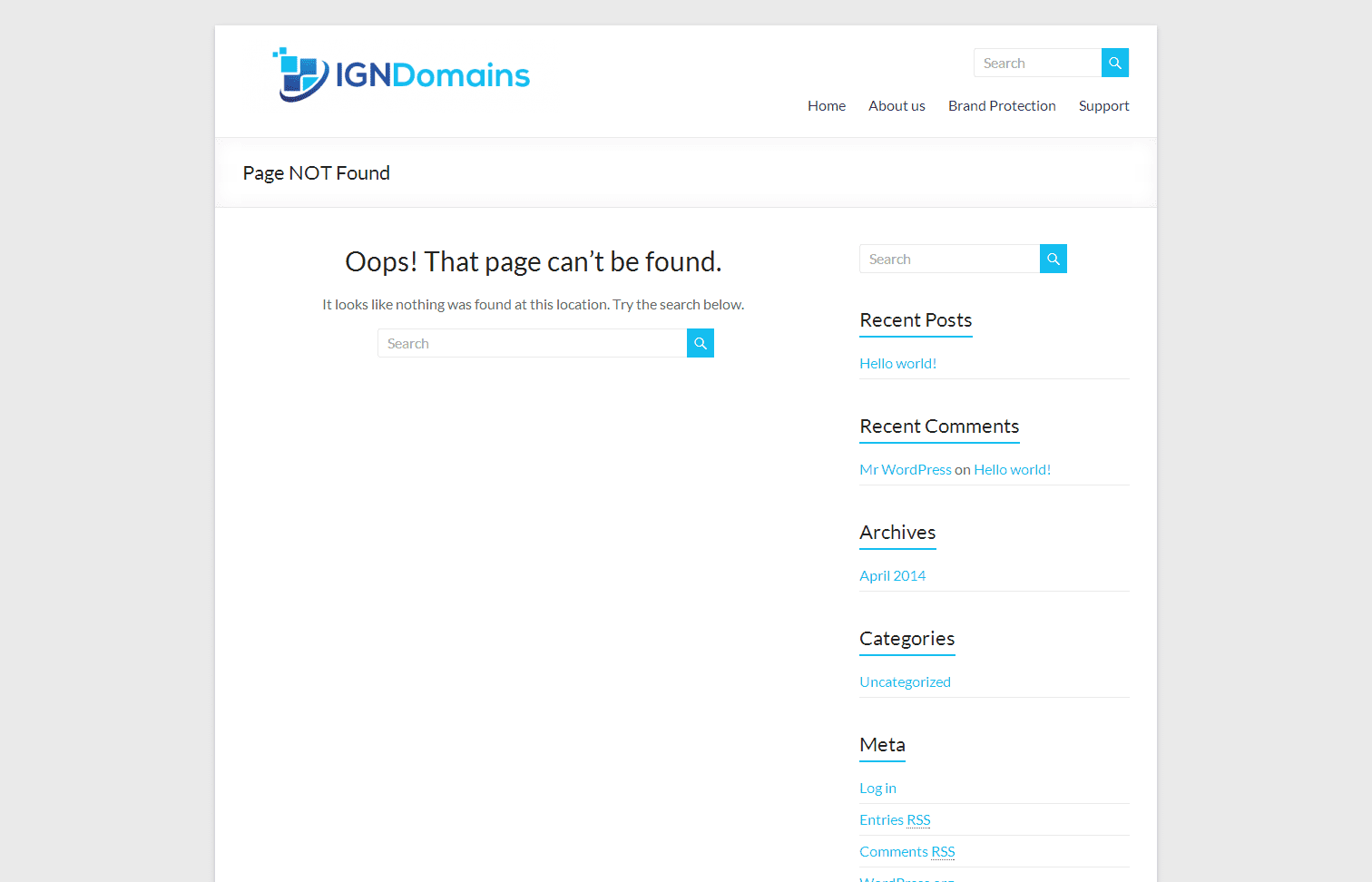
Over the past couple of weeks we've received calls and emails from a few customers about an email they have received from a "company" called IGN Domains asking them to confirm they are the registered owner of their domain name and informing them that, in all cases, someone is trying to register the same name on "7 domain extensions". The email also invited the customer to get in touch with IGN...
If you're sending a Microsoft Word® document via email it might not end up appearing quite as you intended on the recipient's computer it if they don't have the fonts you used installed. To avoid this you might want to make sure that you embed the fonts you use in the document so that it displays as intended when the recipient opens it. We've created a support page in our knowledge base that...
From time to time you may encounter a Joomla error that says “Check-out failed with the following error: The user checking out does not match the user who checked out the item." followed by "You are not permitted to use that link to directly access that page”. There is actually a really simple, albeit not that obvious, fix for this error - to edit the content to are trying to make changes to...
Drupal has a number of modules designed to help websites combat comment and contact form spam generated by automated systems known as "bots", in this article we're going to focus on using a few of the best modules available to combat this ever growing annoyance. CAPTCHA It's best to think of the CAPTCHA module for Drupal as a framework or pathway to adding in different types of CAPTCHA checks -...
After sporting the same look for the past 6 or so years we felt like it was time for a change. Web design techniques and the technologies that power websites have moved on significantly in the past few years and while our website had served us well over the years we took the opportunity to re-design the site and to restructure some of the content, and with over 400 pages that was no small task!...
Customising the default "Submitted by..." text used in Drupal 7 is pretty simple, and just required a single edit to your theme's template file. Go to your ./themes/yourtheme folder and open the template.php file in your text editor. Add the function below at the end of the template.php file (remember to replace "yourthemename" with the actual name of your theme). '!datetime' => $vars , )); }...
Chris handles business development and marketing projects.
We value your privacy
We use cookies to run this site, measure and improve how it works, and, with your permission, support advertising, marketing and embedded content. Essential cookies are always on. First-party statistical analytics are used to improve the website, but you can object at any time. You can accept all, reject non-essential cookies, or choose which categories to allow.
Required for the website to function (e.g. security, load balancing, remembering your cookie choices). These are always active and cannot be switched off.
Enable enhanced functionality and personalisation, such as remembering preferences, live chat and site settings.
First-party analytics set on this website’s own domain to measure and improve the site (e.g. self-hosted Matomo). The data stays with this site and is not shared with a third party.
Analytics provided by a third party, which may share your data with that provider (e.g. Google Analytics).
Used to build a profile of your interests and show you relevant adverts on other sites (e.g. Meta Pixel, Google Ads).
Allow content embedded from third parties such as YouTube, Vimeo and Google Maps. These providers may set their own cookies.
Small tracking pixels used to measure campaign performance and conversions.