Elementor Website Problems? Elementor Fixes for Small Businesses
Elementor Website Problems? Here’s How O’Brien Media Can Help Fix Them
A broken website is never convenient, but it always seems to happen at the worst possible time.
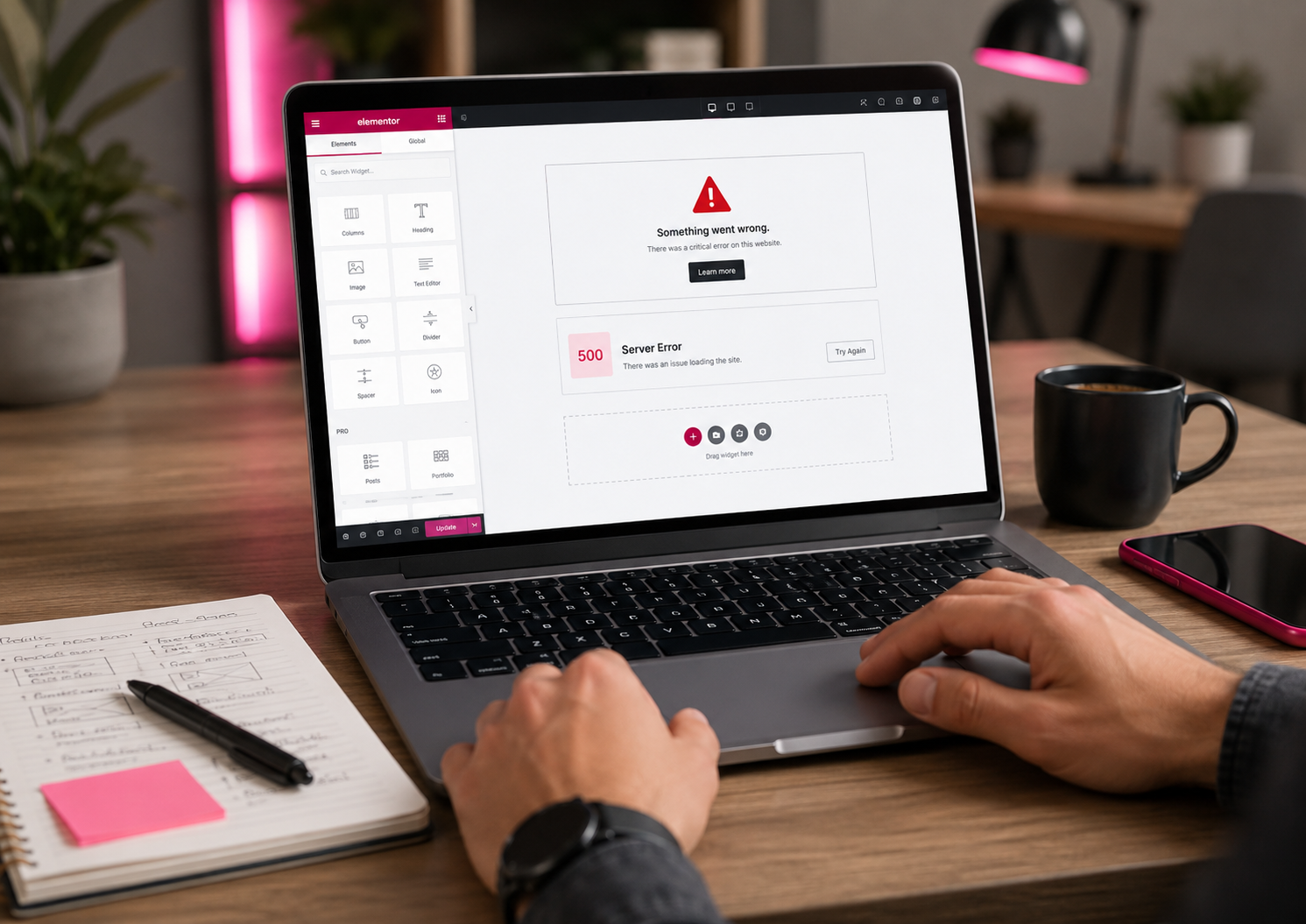
One minute your WordPress website is working as normal. The next, Elementor will not load, your homepage has gone blank, the editor is stuck spinning, or you are staring at a message that says there has been a critical error on your website.
For a small business, that is more than a technical annoyance. It can mean missed enquiries, lost trust, staff not being able to update key pages, or customers seeing a broken version of your business online.
At O’Brien Media, we help businesses fix problems with Elementor-based WordPress websites, from small layout issues through to full white screen situations where the site has stopped loading altogether.
Common Elementor Problems Small Businesses Search For
Most business owners do not search for things like “PHP fatal error caused by a plugin conflict”. They search for what they can actually see.
That might be:
“Elementor website has gone blank”
“WordPress website white screen”
“Elementor not loading”
“Can’t edit my website with Elementor”
“WordPress critical error after update”
“Elementor error message on my website”
“Website broken after plugin update”
“Need someone to fix my WordPress website”
If that sounds familiar, you are not alone. Elementor is a powerful page builder, but because it sits on top of WordPress, your theme, plugins, hosting, caching tools and security settings, problems can come from several different places at once.
What Elementor Errors Can Look Like
Sometimes Elementor problems are obvious. Sometimes they are hidden behind vague messages that do not mean much unless you know where to look.
Here are some examples of errors or symptoms you might see on a WordPress website using Elementor:
“There has been a critical error on this website.”
“Fatal error: Allowed memory size of X bytes exhausted.”
“Server Error 500.”
“Preview Could Not Be Loaded.”
“The Content Area Was Not Found in Your Page.”
“Elementor Widget Panel not loading.”
“Elementor stuck on loading screen.”
“Edit with Elementor” sends you to the live page instead of the editor.
A blank white screen appears when you try to edit a page.
Changes made in Elementor do not appear on the live website.
Elementor’s own support documentation lists issues such as the editor not loading, white screen problems, 500 errors, preview loading errors, widget panel loading issues and content area errors as recognised troubleshooting situations.
Why Elementor Websites Break
Elementor itself is not always the cause of the problem.
A website can break because Elementor has been updated but Elementor Pro has not. It can break because another plugin is conflicting with Elementor. It can break because the hosting does not have enough memory available, because a caching plugin is serving old files, because a security firewall is blocking part of the editor, or because a theme template has been changed in a way Elementor does not expect.
Elementor currently lists WordPress memory requirements for Elementor and Elementor Pro, with higher recommendations for better performance and for websites using heavier plugins such as WooCommerce.
That is one of the reasons quick fixes can be risky. Deactivating random plugins on a live business website might make the problem worse, especially if your forms, shop, bookings, cookie banner, security tools or SEO settings rely on those plugins.
White Screen of Death on an Elementor Website
The “white screen of death” is the name often used when a WordPress website loads as a completely blank page.
There may be no visible error. No helpful message. No obvious clue. Just a blank screen where your website should be.
This can happen on the front of the website, inside the WordPress dashboard, or only when you try to open the Elementor editor. WordPress explains that plugin compatibility issues are one possible cause of white screen problems, and its troubleshooting guidance includes deactivating plugins when the admin area is not accessible.
For a business owner, the important thing is not the technical name. The important thing is getting the website back safely, without losing pages, designs, forms or customer data.
When we investigate a white screen problem, we would usually look at things like recent updates, error logs, active plugins, the theme, PHP version, memory limits, caching, server configuration and whether the website can be placed into a safe diagnostic state.
Elementor Not Loading or Stuck Spinning
Another common issue is where the public website still works, but Elementor will not open.
You click “Edit with Elementor”, the loading screen appears, and then nothing happens. The editor may keep spinning, show a grey panel, load without widgets, or fail with a preview error.
This can be caused by plugin conflicts, browser extensions, caching, custom code, memory limits, theme preloaders, or security restrictions that stop Elementor from loading correctly. Elementor’s Safe Mode is designed to help isolate Elementor and WordPress from themes and plugins that may be interfering with the editor.
If you rely on Elementor to update service pages, prices, offers, menus, opening hours or landing pages, not being able to edit your own website quickly becomes a business problem rather than just a technical one.
Problems After Elementor Updates
Updates are important, but they need to be handled with care.
A common pattern is:
Your website is working.
WordPress, Elementor, Elementor Pro, your theme, WooCommerce or another plugin gets updated.
The site then shows a critical error, layout issue, missing header, broken form, blank page or editor problem.
Elementor’s own guidance notes that fatal errors can occur after updating or installing Elementor or Elementor Pro, including situations where Elementor Core has been updated but Elementor Pro has not.
This is why we prefer a careful approach to WordPress maintenance. Updates should not just be clicked and hoped for. A good process includes checking backups, reviewing plugin compatibility, updating in the right order, testing the important pages, checking forms and making sure the site is still working properly afterwards.
Layout Problems and Missing Designs
Not every Elementor issue takes the whole site down.
Sometimes the website loads, but something looks wrong. A section may be missing. A header or footer may disappear. Mobile spacing may break. Fonts may change. Buttons may stop aligning properly. A page may look fine when logged in but broken for customers.
Elementor troubleshooting guidance for layout issues includes regenerating files and clearing cache, because old CSS or cached files can cause changes not to appear correctly on the live site.
For small businesses, these visual issues matter. A broken layout can make a company look neglected, even when the business itself is professional and responsive.
What To Do Before Asking Someone To Fix Your Elementor Website
If your website has broken, there are a few useful things you can do before contacting a web designer or WordPress support company.
First, take a screenshot of the error message. If the message only appears briefly, write down the exact wording as best you can.
Second, avoid repeatedly clicking updates or changing lots of settings in a panic. It is much easier to fix a website when we know what changed just before the problem started.
Third, check whether you have a recent backup. If you are not sure, ask your hosting company. A backup is not always the final fix, but it can be very useful if the site needs to be restored.
Fourth, make a note of what still works. Can you access the WordPress dashboard? Does the public website load? Is it only one page, or the whole site? Does the issue happen on mobile and desktop? Can you open Elementor on some pages but not others?
Finally, contact someone who understands both WordPress and Elementor, rather than only treating it as a design issue. Many Elementor problems are not caused by the page layout itself. They are caused by the wider WordPress setup around it.
At O’Brien Media, we help businesses fix problems with Elementor-based WordPress websites, from small layout issues through to full white screen situations where the site has stopped loading altogether. Share on XHow O’Brien Media Fixes Elementor Website Problems
At O’Brien Media, we look at the website as a whole.
That means checking the visible issue, but also looking behind it to understand why it happened. A white screen, loading problem or Elementor error may be the symptom, not the cause.
Depending on the issue, our work might include:
Reviewing recent WordPress, plugin, theme or Elementor updates.
Checking error logs for fatal PHP errors.
Testing for plugin conflicts safely.
Looking at Elementor and Elementor Pro version compatibility.
Checking WordPress memory limits and server settings.
Clearing or adjusting website, browser and server caching.
Reviewing theme templates and Elementor Theme Builder settings.
Checking broken forms, headers, footers, popups and mobile layouts.
Restoring from backup where that is the safest option.
Replacing unreliable plugins where they are causing repeated problems.
Stabilising the website so the same issue is less likely to return.
The aim is not just to get the page loading again for five minutes. The aim is to get the website back into a usable, maintainable state.
Do You Need To Rebuild Your Elementor Website?
Not always.
Many Elementor problems can be repaired without rebuilding the whole website. A broken plugin, failed update, memory limit, corrupt template or caching issue may be fixable without starting again.
However, there are times when a wider rebuild or redesign is the better long-term option. That might be the case if the website has years of patched-together plugins, no clear structure, poor mobile layouts, slow loading times, unreliable forms, duplicated templates or a theme that is no longer being maintained.
Where possible, we will always try to be practical. If a repair is sensible, we will say so. If the website is likely to keep causing problems, we will explain why.
Searching For Someone To Fix an Elementor Website?
If you are searching for a web designer to fix an Elementor problem, try to be as specific as you can.
Useful searches might include:
“fix Elementor website”
“Elementor white screen help”
“WordPress critical error fix”
“Elementor not loading WordPress”
“Elementor website broken after update”
“WordPress web designer to fix website”
“Elementor support for small business”
“WordPress website support Swindon”
“WordPress website support Wiltshire”
If your website is important to your business, it is worth choosing someone who can deal with more than just the visible design. Elementor websites need design knowledge, WordPress knowledge, hosting knowledge and a calm approach to troubleshooting.
Need Help With a Broken Elementor Website?
If your Elementor website has gone blank, stopped loading, started showing error messages, or become difficult to edit, O’Brien Media can help.
We work with small businesses across Swindon, Wiltshire and the rest of the UK, helping them keep their WordPress websites working properly.
Whether the problem is a white screen, Elementor editor issue, failed update, broken layout, missing content, 500 error, critical WordPress error or something that simply “doesn’t look right”, we can take a look and help you work out the safest next step.
Your website should support your business, not become another thing on your list to worry about.