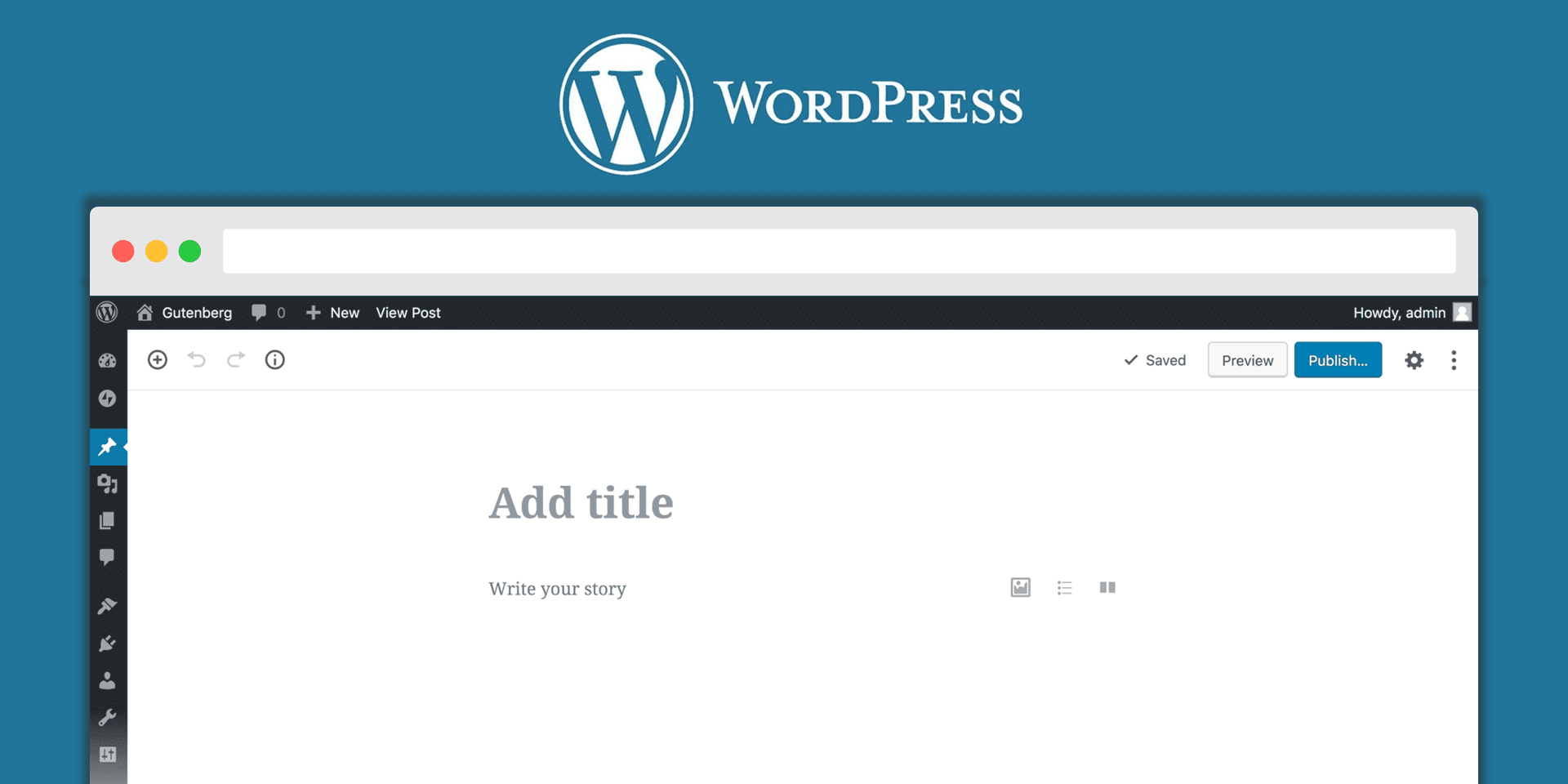
The major change in WordPress 5.0 is the introduction of the Gutenberg editor. Gutenberg is a drag-and-drop interface that dramatically changes how posts and pages are built. You can choose to disable the Gutenberg editor and install the Classic editor plugin, if you want to maintain the same editing experience you’re used to. However, it’s still important to know how the Gutenberg editor...
Read More

In the biggest news in a long time, WordPress 5.0, named "Bebo", was officially released on December 6. As such, the new Gutenberg block editor is officially part of the WordPress core. Be careful about updating and if possible test your site for compatibility before upgrading your live/production website, also consider using the official Classic Editor plugin if you're not ready to move to the...
Read More

Many businesses are now using Instagram as part of their PR strategy to share information with their customers and target audiences. Instagram is a fantastic way for small businesses to engage with audiences, show them what you’re up to, and continue building strong relationships. Here are a few Instagram engagement tips you should use at your business. 1. Know your message/have your own style...
Read More
WordPress 5.0 will most probably be released this Thursday, December 6 2018. This comes as a surprise to a lot of people, including us. WordPress 5.0 includes the Gutenberg editor, giving users a brand new editing experience. While we initially see this as an improvement, we doubt if everyone is ready for it at this point. WordPress 5.0 is a huge release as it sees the introduction of a new...
Read More
We often get asked how to install a WordPress plugin - here's a 3 step guide that gets straight to the point. This will apply to most plugins - although if you're installing a plugin that needs additional settings or configuration you're best best is to follow the installation instructions from the plugin developer. Anyway, lets get to the guide... Step 1 Log in to your WordPress account and go...
Read More
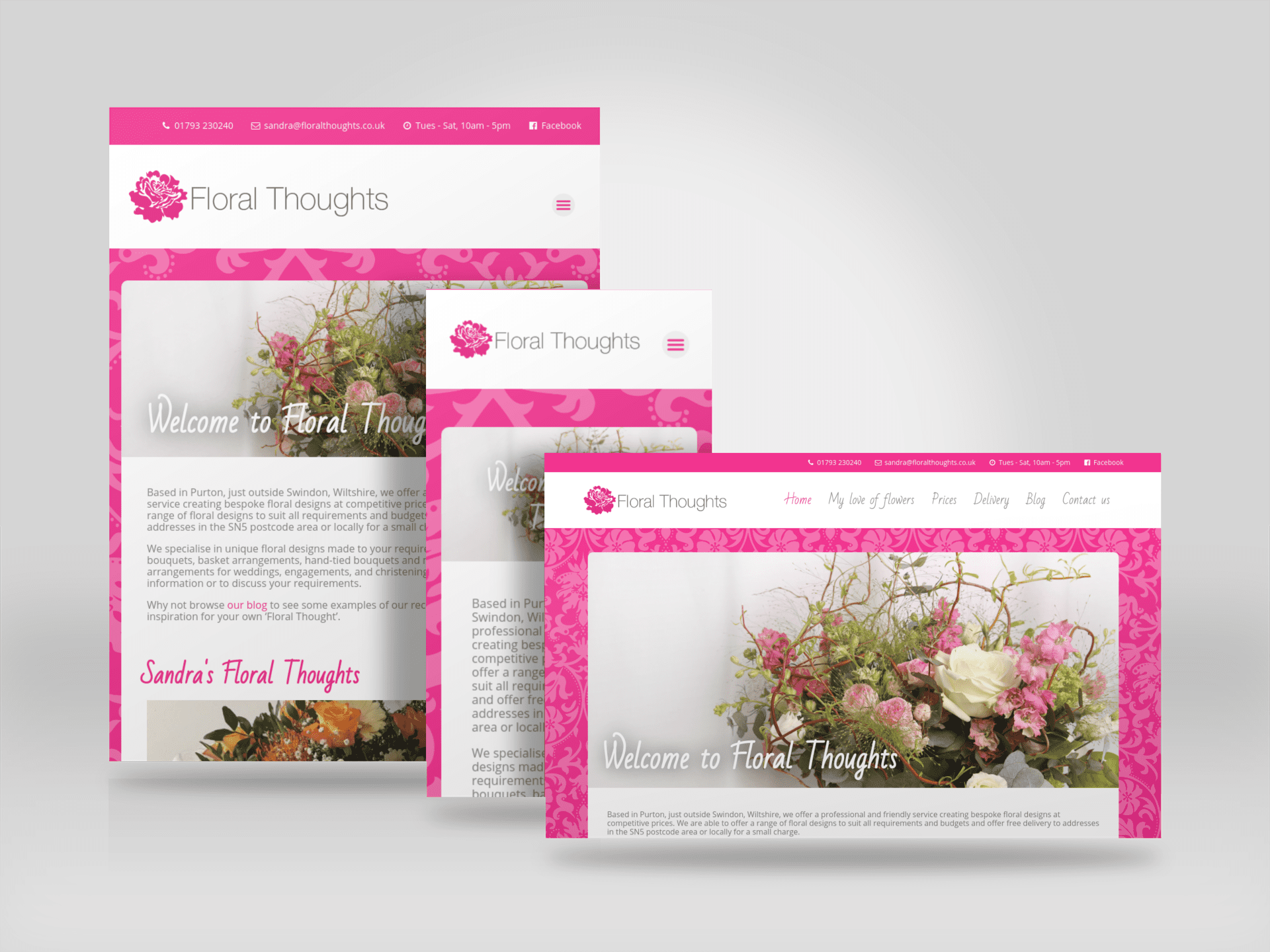
As part of the redesign we helped Sandra at Floral Thoughts retire some older content and re-purposed old blog posts to bring in new visitor traffic from organic search results. Project images
Read More